Model Context Protocol
MapQuest, now native to your AI stack.
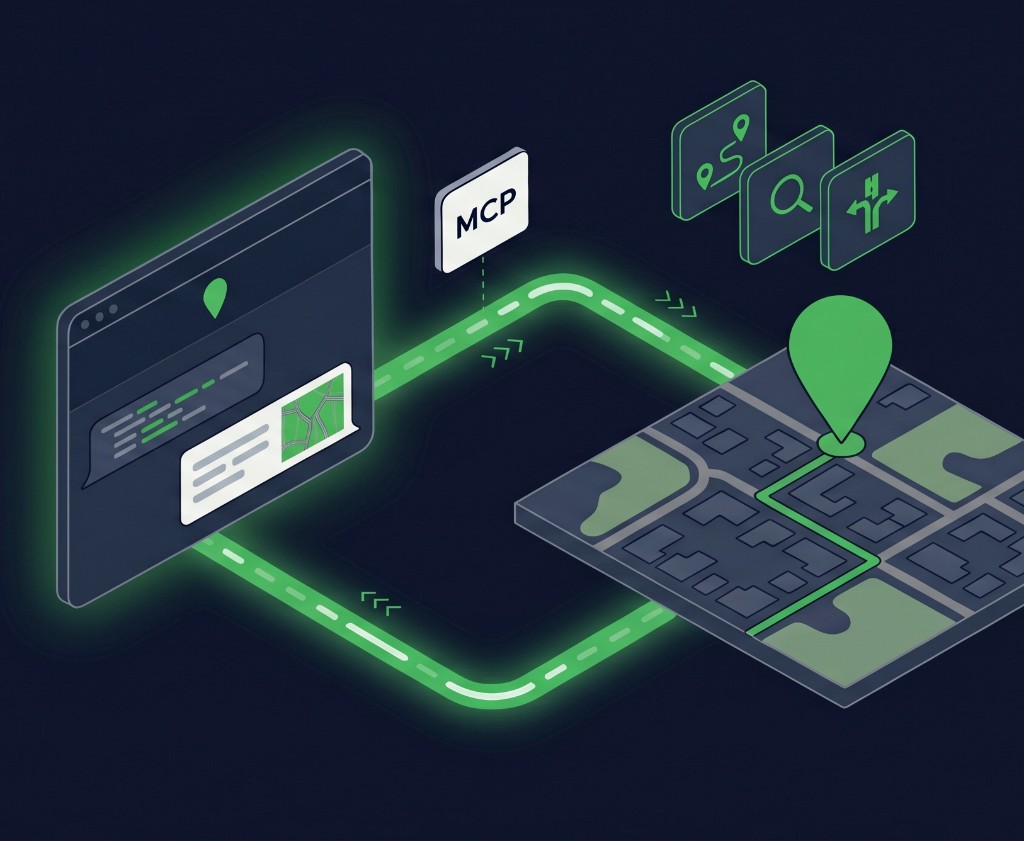
Geocoding, routing, search, and traffic — exposed through the Model Context Protocol so Claude and any MCP-compatible agent can call them directly.
See it in action
Connect Claude to MapQuest in under 90 seconds.
5-minute quick start
Register first to create your key and activate your free monthly transactions, then connect MapQuest to your agent.
First: register in the developer portal. Creating your key and activating free monthly transactions up front means your agent authorizes faster.
Register in developer portal →Developer portal
Step 1 of 5
Docs: Registration →Register
Create your MapQuest developer account.
Complete account details
Finish the account information needed to activate access.
Create key
Generate the key used by MCP authorization.
What you can do with it
Every core service in the Location Intelligence Suite, callable from an agent.

Geocode addresses
Forward, reverse, and batch. Agents resolve messy address strings to coordinates without leaving the conversation.
geocode_addressreverse_geocodebatch_geocode
Plan and optimize routes
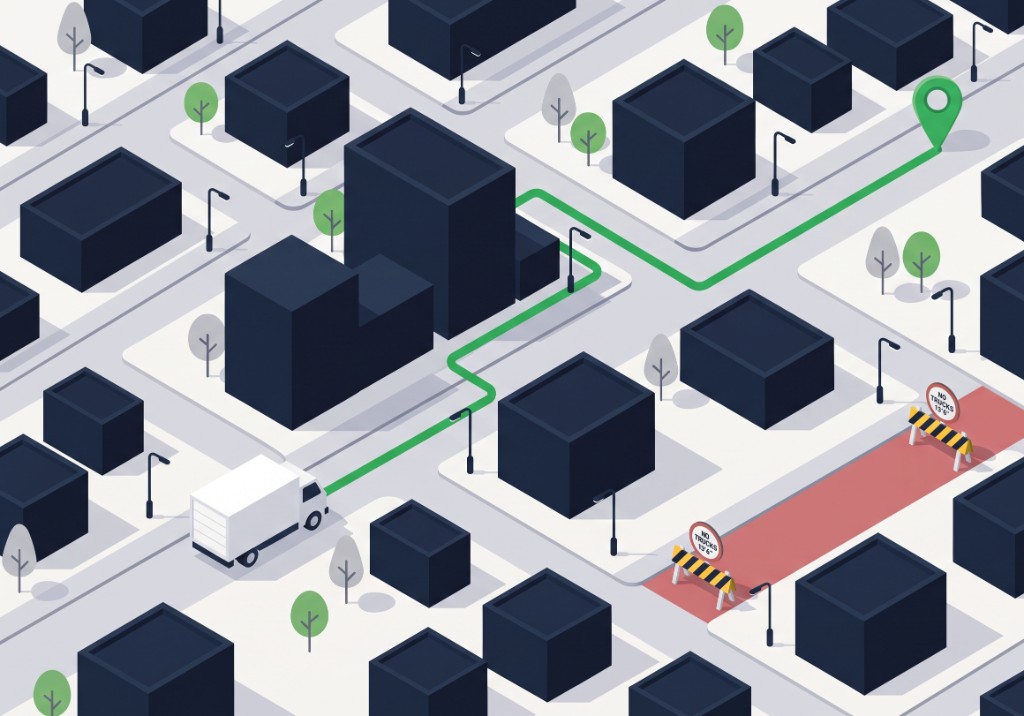
Multi-stop sequencing with accurate ETAs and turn-by-turn directions, truck profiles included.
get_routeget_optimized_routeget_route_matrix
Search places and POIs
Spatially aware search across businesses, landmarks, and your own hosted datasets.
place_searchsearch_radiussearch_corridor
Pull live traffic
Real-time incidents, flow, and congestion so an agent's answer reflects the road right now.
traffic_flowtraffic_incidentstraffic_markets
Use truck-smart profiles
Honor vehicle weight, height, and hazmat restrictions when an agent plans a route.
get_routeget_optimized_route
Render static maps
Generate map images on demand so an agent can show the answer, not just describe it.
static_map